Master Meta Ads
by running real campaigns.
A practical course on Facebook and Instagram advertising, from setting up Ads Manager to running Leads and Sales campaigns, tracking results with the Meta Pixel and reporting to clients. Taught in Hindi by the agency team that runs campaigns for brands every day.
Three kinds of learners, one skill.
Students & recent graduates
Have a degree but no practical skill to show? Finish with a campaign plan, a live ad setup and a performance report you can present in interviews.
Business owners
Shops, clinics, coaching centres and brands: move beyond the "Boost" button, run your own ads and understand exactly where your money goes.
Freelancers & marketers
Deliver Leads and Sales campaigns, tracking and monthly reporting for clients with a structured process instead of guesswork.
What you’ll be able to do.
Connect your Page, Instagram, payment method and user access correctly.
Know when to use Awareness, Traffic, Engagement, Leads, App promotion or Sales.
Instant forms and WhatsApp click-to-chat ads, with a focus on lead quality.
Reels-first creatives, strong hooks and ad copy, made with Canva and CapCut.
Meta Pixel, events and UTM parameters, so you know which ads are working.
Read CPM, CTR, CPL and ROAS, and make decisions based on the numbers.
10 modules. Hands-on work in every one.
Each lesson runs 8 to 15 minutes. Watch it, then apply it yourself in the assignment.
01Meta Ads fundamentals & account setupBeginner
- How Meta Ads work: the auction, placements, Facebook and Instagram
- Setting up a business portfolio, ad account, Page and Instagram account
- Payment methods, access roles and account safety basics
02Campaign structure & objectivesBeginner
- Campaign, ad set and ad: what is decided at each level
- The six objectives: Awareness, Traffic, Engagement, Leads, App promotion and Sales
- Boost button vs. Ads Manager, and when to use each
03Audiences & targetingBeginner
- When Advantage+ audience and broad targeting perform better
- Custom audiences: website visitors, video viewers and Instagram engagers
- Lookalike audiences and location targeting
04Budgets, bidding & the learning phaseIntermediate
- Daily vs. lifetime budgets and Advantage+ campaign budget
- What the learning phase is and why you shouldn't reset it
- Smart testing on small budgets (₹300 to ₹1,000 a day)
05Ad creatives & copywritingIntermediate
- Reels-first creatives and the first three seconds
- Making ad creatives in Canva and CapCut, and Advantage+ creative options
- Primary text, headlines and CTAs: drafted with AI, finished by you
06Lead generation campaignsIntermediate
- Instant forms: more volume vs. higher intent
- WhatsApp click-to-chat ads and message templates
- A system to follow up every lead within five minutes, using Google Sheets
07Tracking: Pixel, events & UTMsIntermediate
- Installing the Meta Pixel and setting up standard events
- A simple introduction to the Conversions API and why it matters
- UTM links and testing in Events Manager
08Sales campaigns & retargetingAdvanced
- Using the Sales objective for website and WhatsApp sales
- Retargeting people who viewed, clicked or didn't buy
- Offers and landing pages: what should happen after the click
09Reporting, testing & optimisationAdvanced
- CPM, CPC, CTR, CPL and ROAS: what each metric tells you
- A/B testing, and when to change creatives or scale budgets
- Building a one-page client report
10Ad policies, account safety & client workAdvanced
- Why ads get rejected, special ad categories and how to appeal
- Avoiding account restrictions
- Client onboarding, proposals and pricing your services
Final project
Build a complete campaign plan, creatives, tracking setup and report for a real or practice business. Running live ads is optional; any ad spend is your own (₹500 to ₹1,000 is enough). Pass the review to earn your Certificate of Completion.
Watch. Do. Show.
Enrol
Get your login and a welcome video right after payment.
Watch
Short recorded lessons, in your own time, on phone or laptop.
Do
An assignment after every module, with templates and checklists.
Show
A certificate and portfolio-ready work after your final project review.
Taught by practitioners, not a classroom.
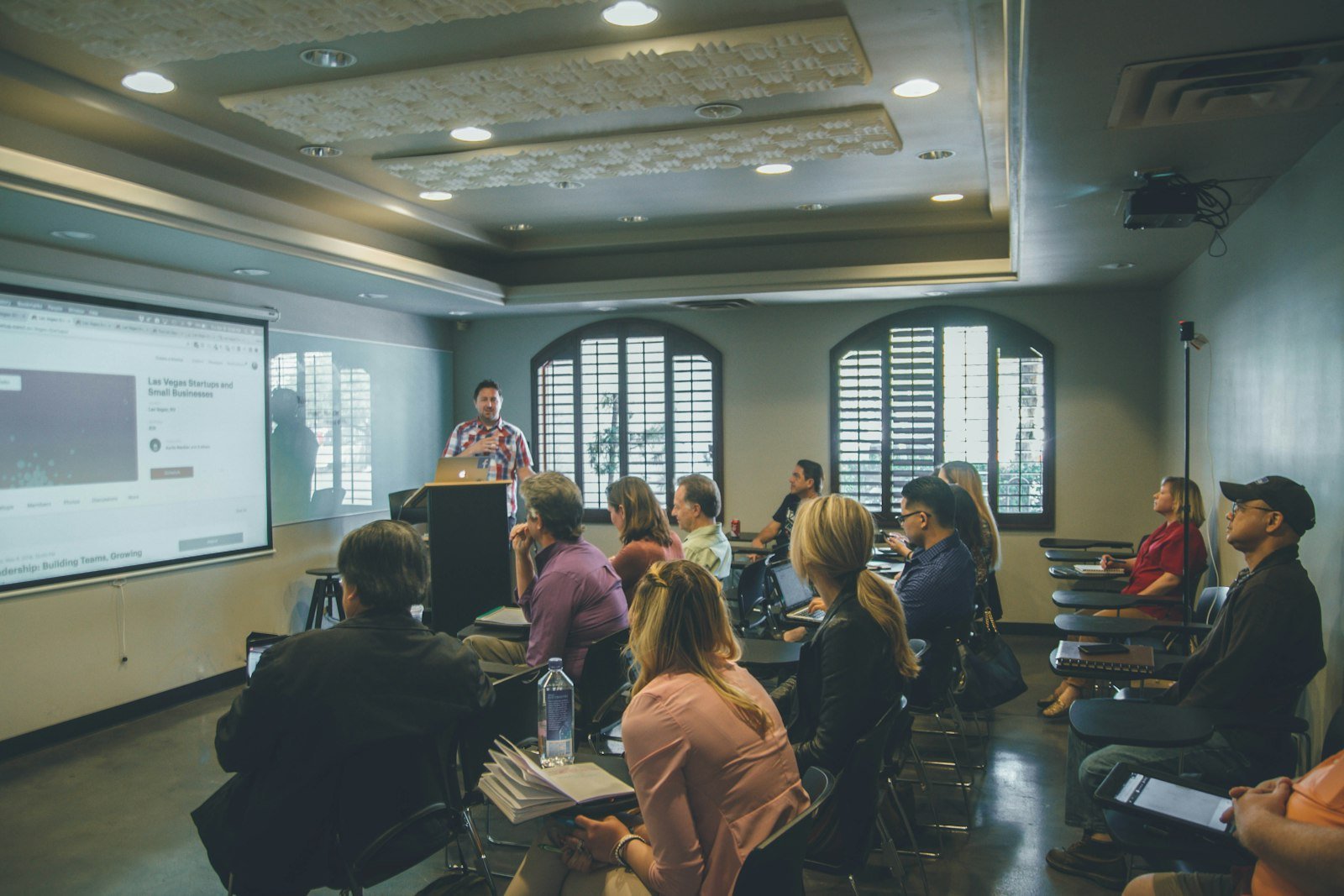
Ss Infoserve is a digital marketing and creative agency in Delhi NCR, working across social media, advertising, websites and brand films. This course teaches the same methods our team uses on client campaigns.
Founding batch, simple pricing.
All prices include GST. Pay by UPI, card or net banking, with a GST invoice.
Self-paced
₹4,999 after the founding batch- All recorded lessons across 10 modules
- Assignments, templates and checklists
- Final project and Certificate of Completion
- Email support
Pro
Everything in Self-paced, plus- Personal feedback on every assignment
- Six weeks of WhatsApp doubt support
- Two live group Q&A calls
- Detailed review of your final project
Founding batch pricing applies to students who join the first batch. Lessons unlock on the launch date, and you can then learn at your own pace.
We promise skills and practical work, not guaranteed jobs or income. Live ad spend is not included in the course fee and is entirely optional.
Frequently asked questions.
Do I need any prior experience?
No. The course starts from the very basics. If you can use Facebook and Instagram and can set aside 45 to 60 minutes a day, you're ready.
Will I need to spend money on ads?
Not necessarily. Every assignment can be completed without ad spend. If you choose to run a live ad for your final project, a small budget of ₹500 to ₹1,000 is enough, and that spend is your own.
Can I take the course on my phone?
You can watch lessons on your phone. For hands-on work in Ads Manager, a laptop or desktop is recommended.
What language is the course taught in?
The course is taught in Hindi. Technical terms stay in English, because that is how they appear inside Ads Manager.
What is the refund policy?
You can request a full refund within 7 days of enrolling, as long as you have watched less than 20% of the course. The policy is shown again before checkout.
Will I get a certificate?
Yes. You receive an Ss Infoserve Academy Certificate of Completion after finishing all assignments and the final project.
When does the course start?
The launch date will be announced soon. Lessons unlock from that date, and after that you can learn at your own pace.
Join the waitlist for the first batch.
Submit the form and WhatsApp will open with your details ready to send to our team. We will confirm your seat, share payment details and send a free sample lesson.